
ABOUT
You can access the forecast module without opening the estimater application via job management in scheduler.
Steps to Follow:
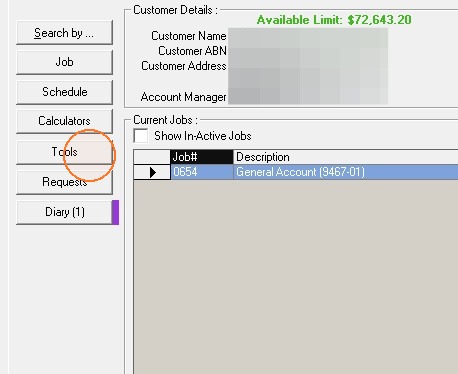
1. Click tools from the left hand side menu.
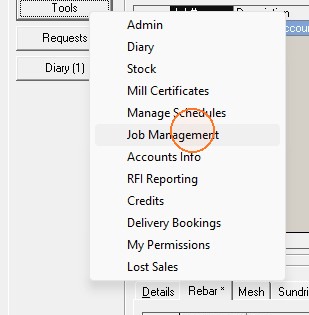
2. Choose Job Management from the drop down list of options.
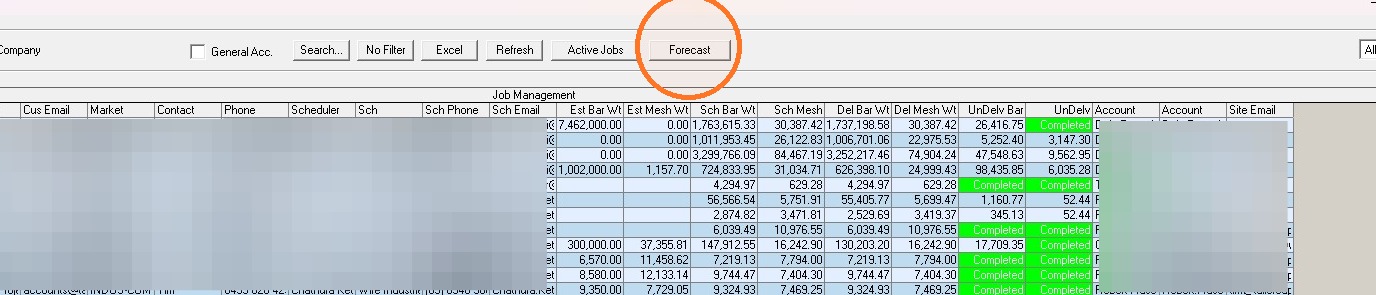
3. Click the forecast button from the top menu.
Comments (0 comments)